A to-do list is one of the most useful applications anyone can build, and it is a perfect project for learning desktop development with Python. It combines a graphical interface with saved data.
This guide, titled “To-Do List Application,” walks you step by step through building a task manager that lets you add, complete, and delete tasks, with everything saved between sessions.


Overview of The Document
The To-Do List Application guide is a beginner-to-intermediate tutorial that takes you from an empty file to a working task manager. It is written in clear, plain English and organized into eight focused steps.
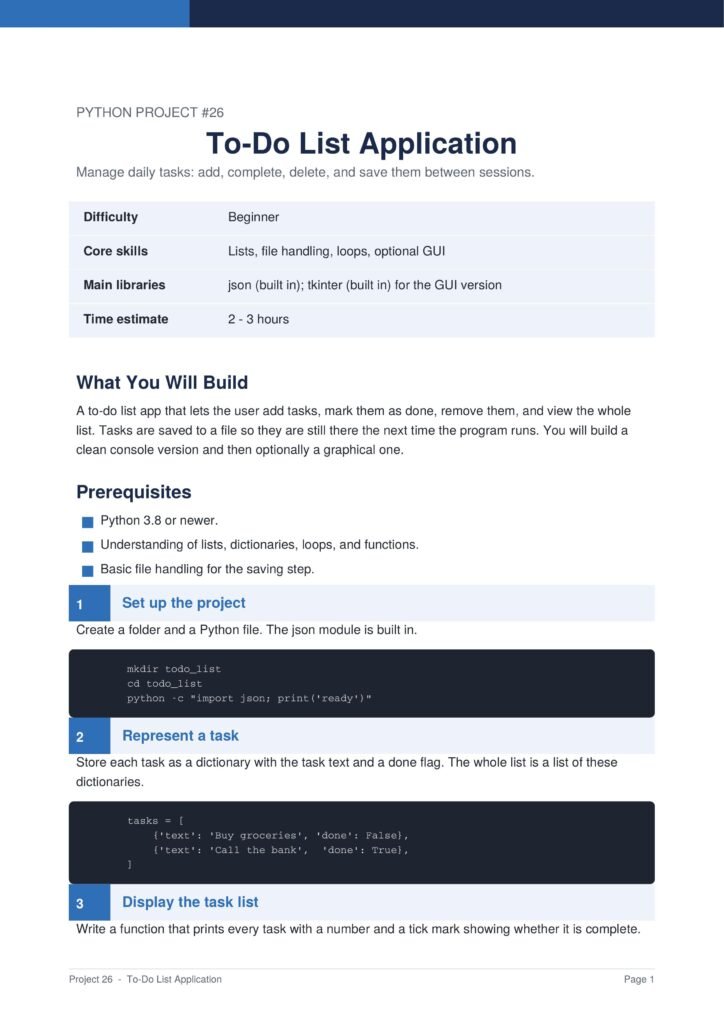
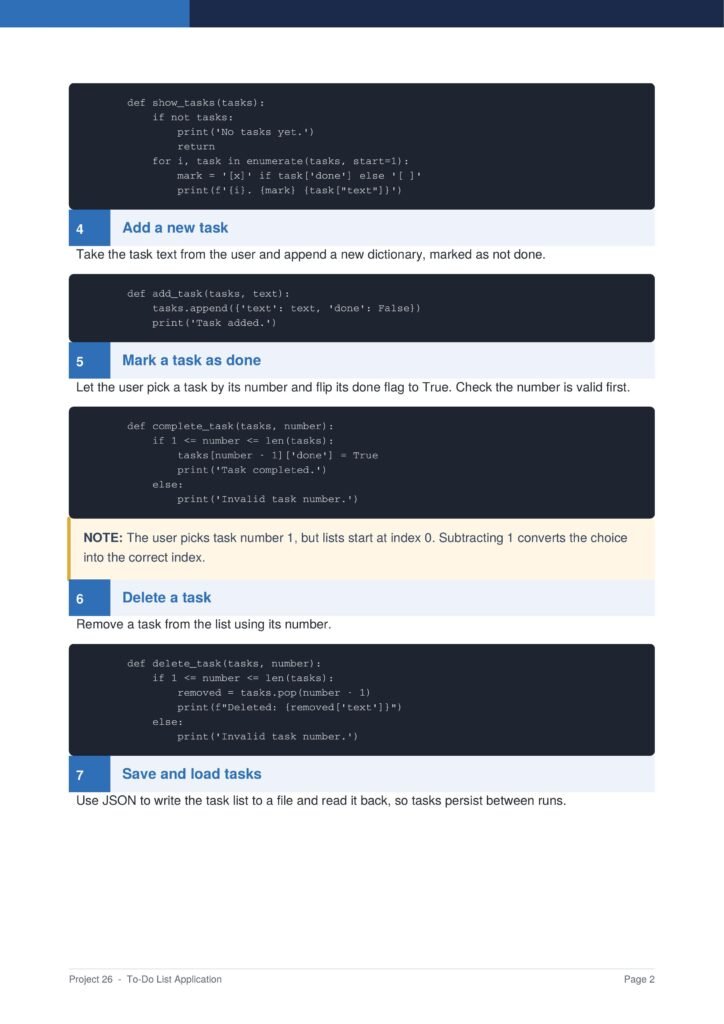
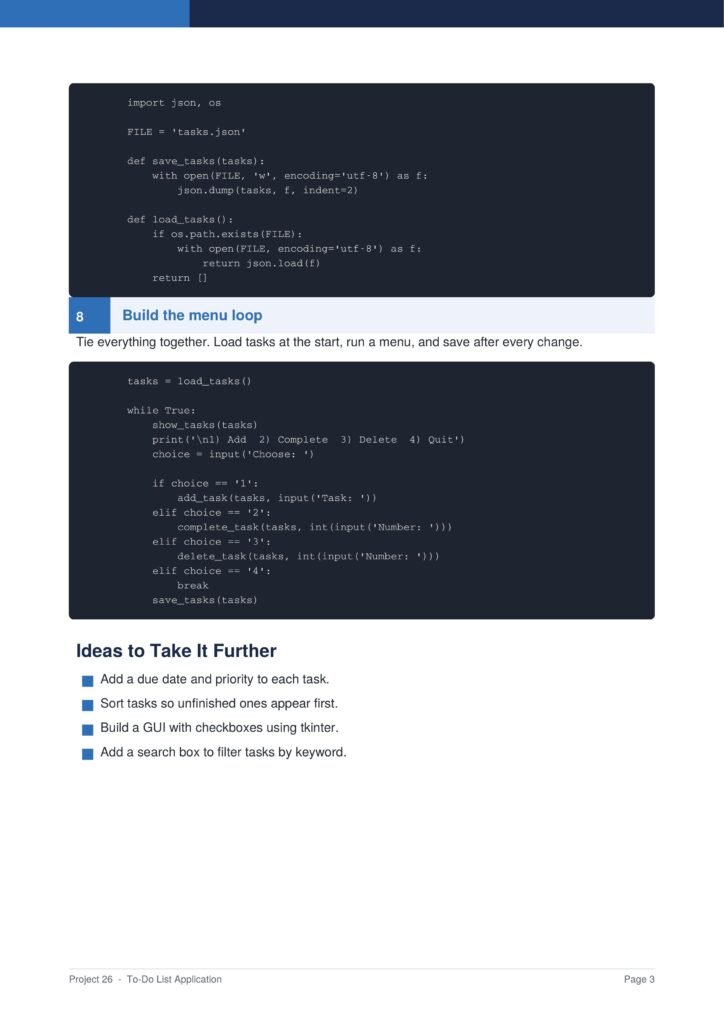
The project uses Python’s built-in tkinter for the interface and a JSON file to store the tasks permanently.
The Content Of The Document
a. Building the Main Window
The guide begins by creating the main window with an entry box, an add button, and a list to show the tasks.
b. Adding New Tasks
You learn how to read the entry box, add the task to the list, and clear the box ready for the next one.
c. Completing and Deleting Tasks
The document shows how to mark a selected task as done and how to remove a task from the list entirely.
d. Saving Tasks to a File
You learn how to save the task list to a JSON file so nothing is lost when the application closes.
e. Loading Tasks on Startup
The guide shows how to load the saved tasks when the app starts so your list is always exactly where you left it.
Why This Document
a. A Genuinely Useful App
This document is valuable because it builds a genuinely useful app that you can rely on in your daily routine.
b. Teaches GUI and Storage
The guide teaches both graphical interface design and file storage, two skills found in almost every real application.
c. Clear and Beginner-Friendly
Every step is explained before the code is shown, making this an ideal project for learners building confidence.
Conclusion
The “To-Do List Application” project is a practical and rewarding way to learn desktop development. By following the guide, you learn how to build a window, add tasks, complete and delete them, and save and load data from a file. The result is a useful app you will return to every day. If you want a project that teaches real, transferable skills, this clear step-by-step guide is an excellent choice.
Download From The Below Link
To start building your own to-do list application today, you can download the To-Do List Application PDF guide and follow every step at your own pace. Happy coding!