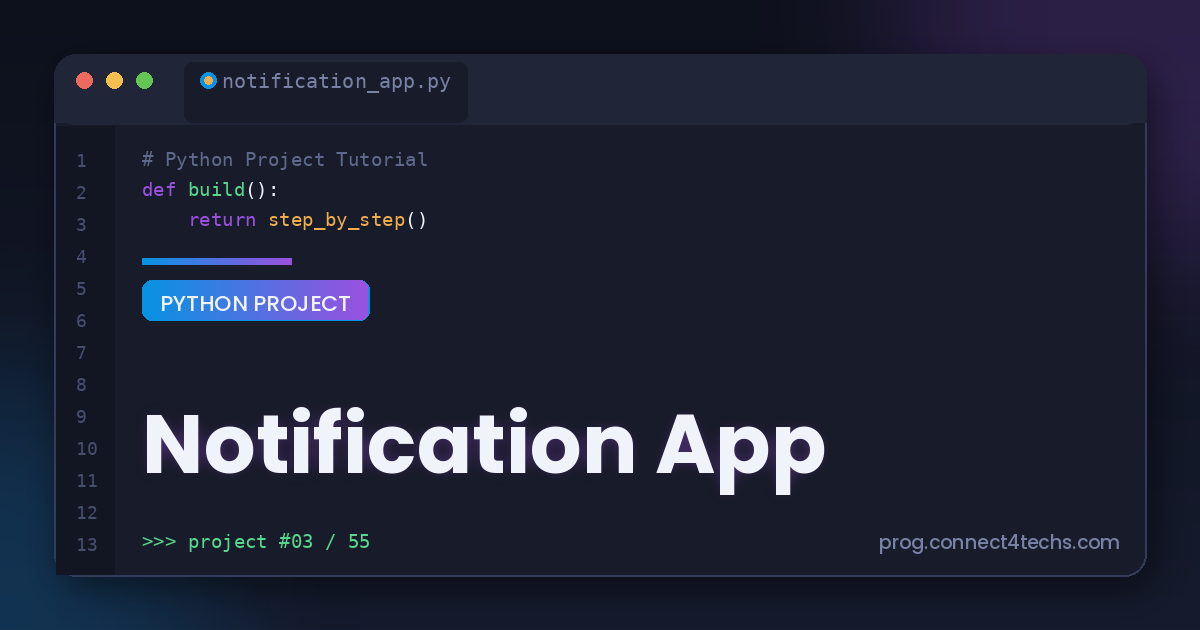
Desktop notifications are everywhere, gently reminding us of emails, messages, and tasks throughout the day. Learning to create these native pop-ups with Python is a fast and satisfying project that opens the door to building useful automation tools.
This guide, titled “Notification App,” teaches you how to send real desktop notifications from your own code, and then how to turn them into scheduled reminders such as a healthy drink water or take a break prompt.

Overview of The Document
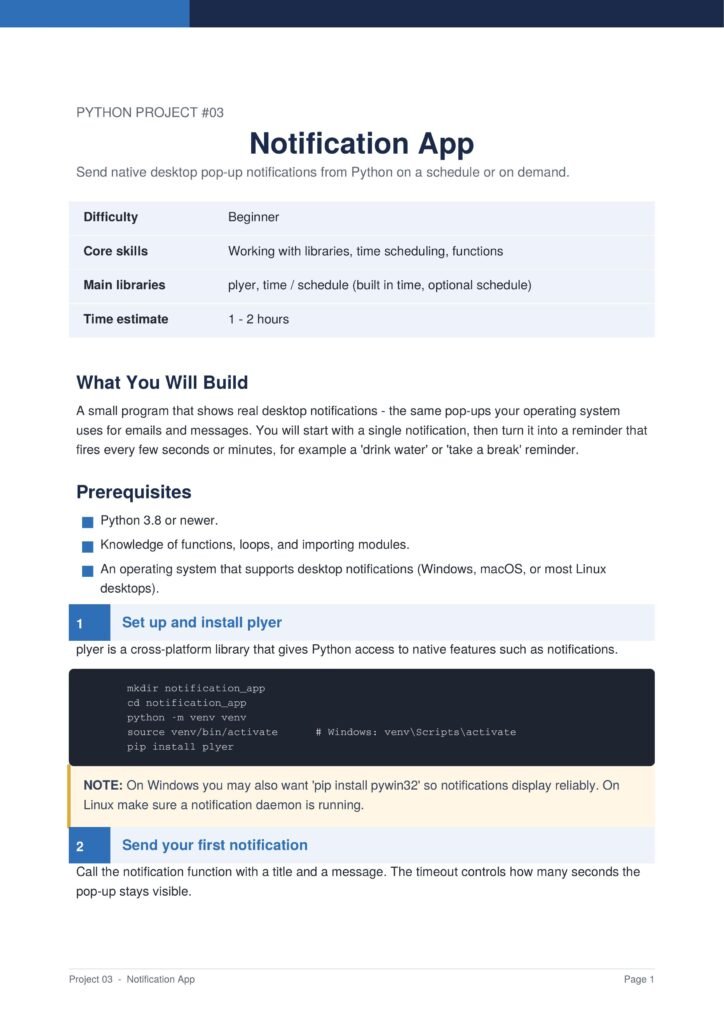
The Notification App guide is a beginner-friendly tutorial that shows you how to send native desktop notifications from Python. Written in clear, plain English, it is organized into seven focused steps plus an optional scheduling section.
It is a short project, but it teaches concepts you will reuse in many future programs, and it produces something genuinely practical from the very first run.
The Content Of The Document
a. Installing the plyer Library
The guide begins by setting up a Python virtual environment and installing plyer, a cross-platform library that gives Python access to native features like notifications.
b. Sending Your First Notification
You learn how to send a notification with a title, a message, and a timeout that controls how long the pop-up stays visible on the screen.
c. Building a Reusable Function
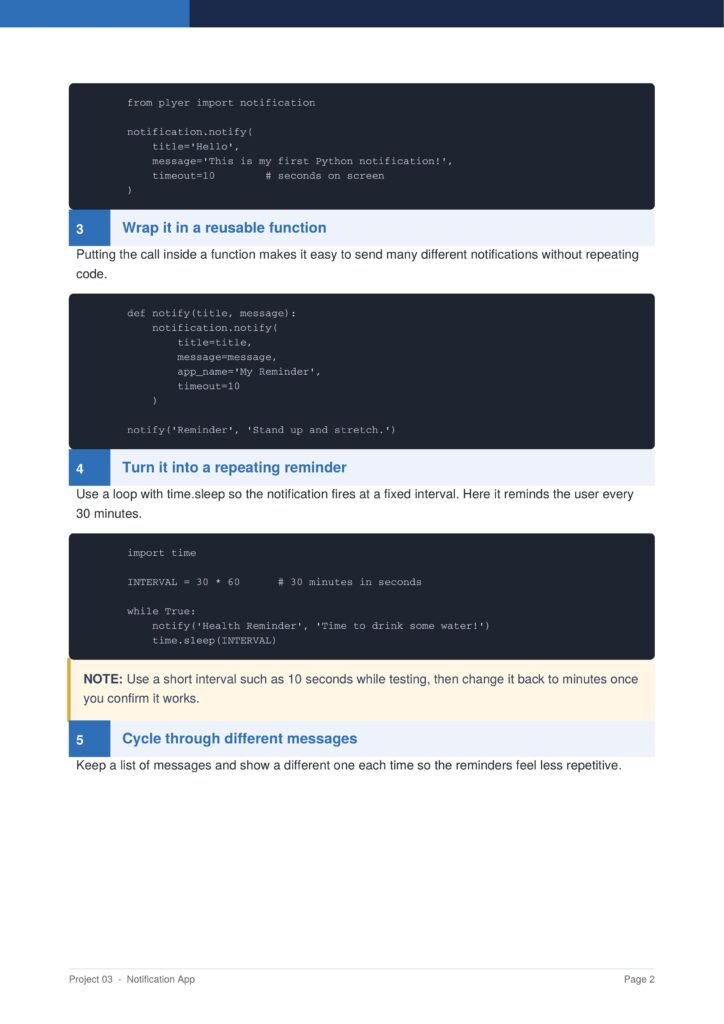
The document shows how to wrap the notification logic in a reusable function so you can send many different notifications without repeating code.
d. Creating Repeating Reminders
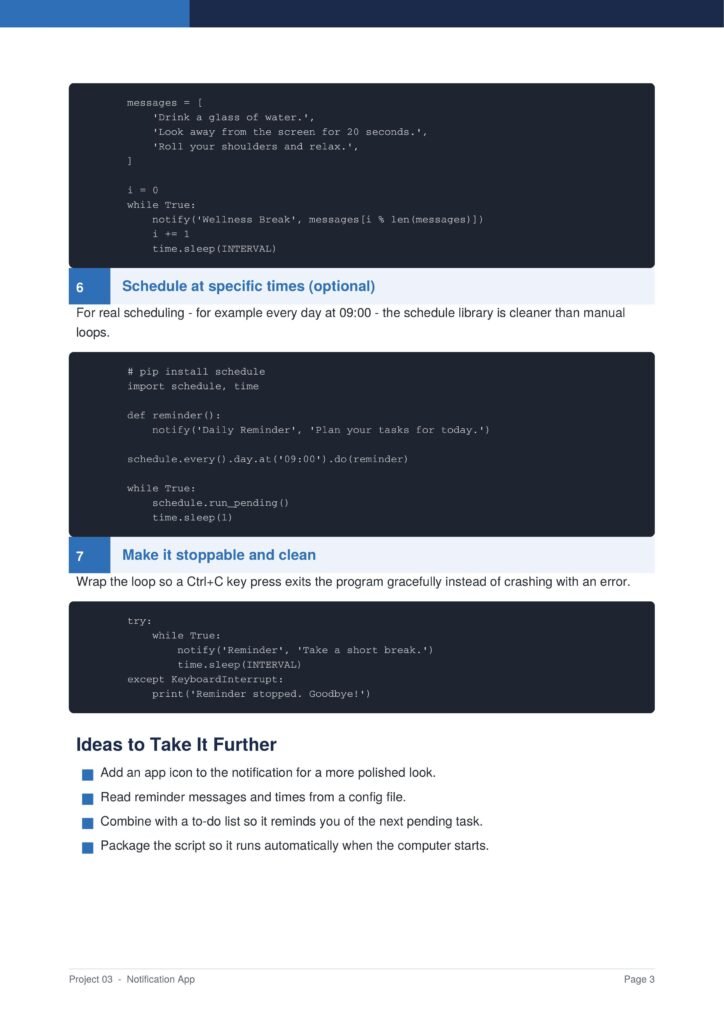
You learn how to turn the app into a repeating reminder using a loop with time delays, and how to cycle through a list of different messages so reminders feel fresh.
e. Scheduling at Specific Times
The guide covers proper scheduling with the schedule library for daily reminders at fixed times, and shows how to make the program stop gracefully with a keyboard interrupt.
Why This Document
a. Quick and Useful Results
This document is valuable because it delivers a working, useful result quickly while teaching transferable skills that appear in countless larger projects.
b. Teaches Automation Skills
Working with external libraries, handling time and scheduling, and structuring code into clean functions are all skills that this guide explains clearly before showing the code.
c. A Gentle Step Into Automation
It is a gentle introduction to automation, a field where Python truly shines, making it an ideal stepping stone toward more ambitious tools and scripts.
Conclusion
The “Notification App” project shows how a short, simple project can still be both educational and practical. By following the guide, you learn to work with libraries, schedule tasks, loop through messages, and handle program flow cleanly. The result is a friendly reminder tool that helps you stay healthy and focused throughout your day. If you want a quick win that teaches real automation skills, this clear and well-structured guide is an excellent choice.
Download From The Below Link
To start building your own desktop reminder tool today, you can download the Notification App PDF guide and follow every step at your own pace. Happy coding!