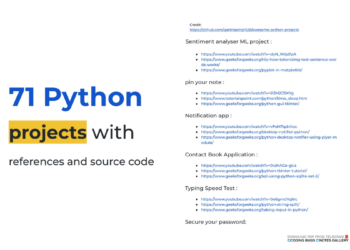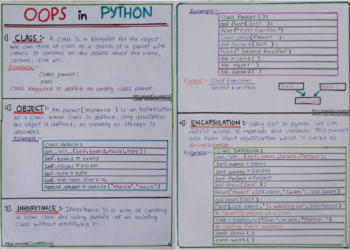
Managing contacts is a task every application eventually needs, which makes a contact book a perfect project for learning how to store and organize data with Python. It combines a graphical interface with a real database, two skills that appear in almost every serious application.
This guide, titled “Contact Book Application,” walks you step by step through building a desktop app that can add, view, search, update, and delete personal contacts, all backed by a lightweight database.


Overview of The Document
The Contact Book Application guide is an intermediate-level tutorial that takes you from an empty file to a fully working contact manager. It is written in clear, plain English and organized into eight focused steps.
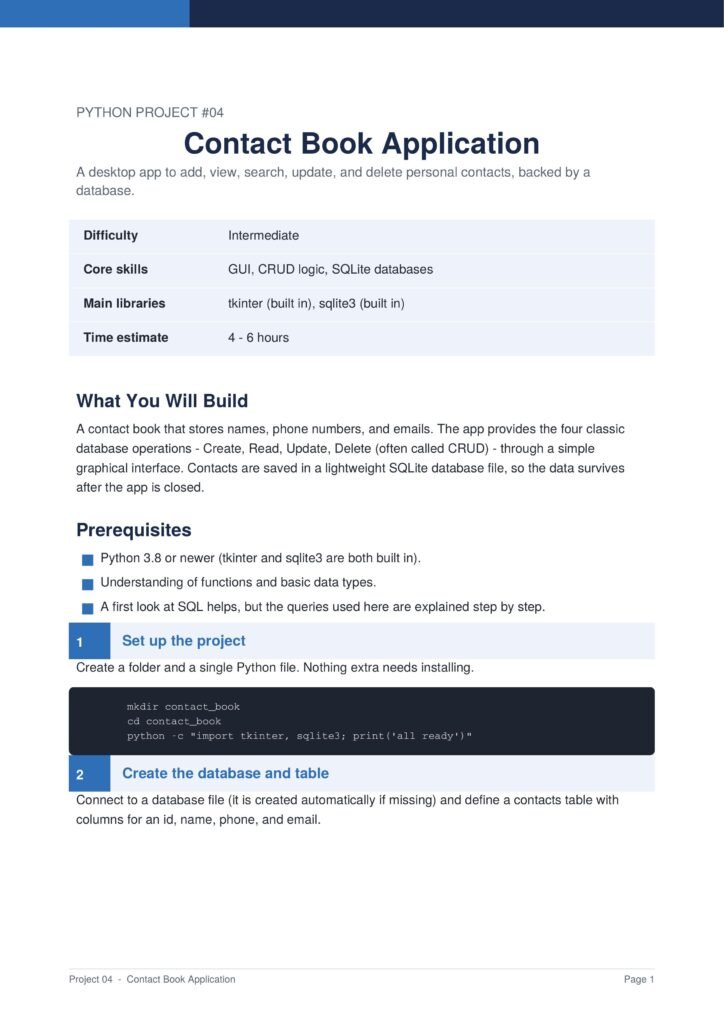
The project uses Python’s built-in tkinter and sqlite3 libraries, so nothing extra needs to be installed. It is ideal for learners who want to understand how applications store data permanently.
The Content Of The Document
a. Creating the Database
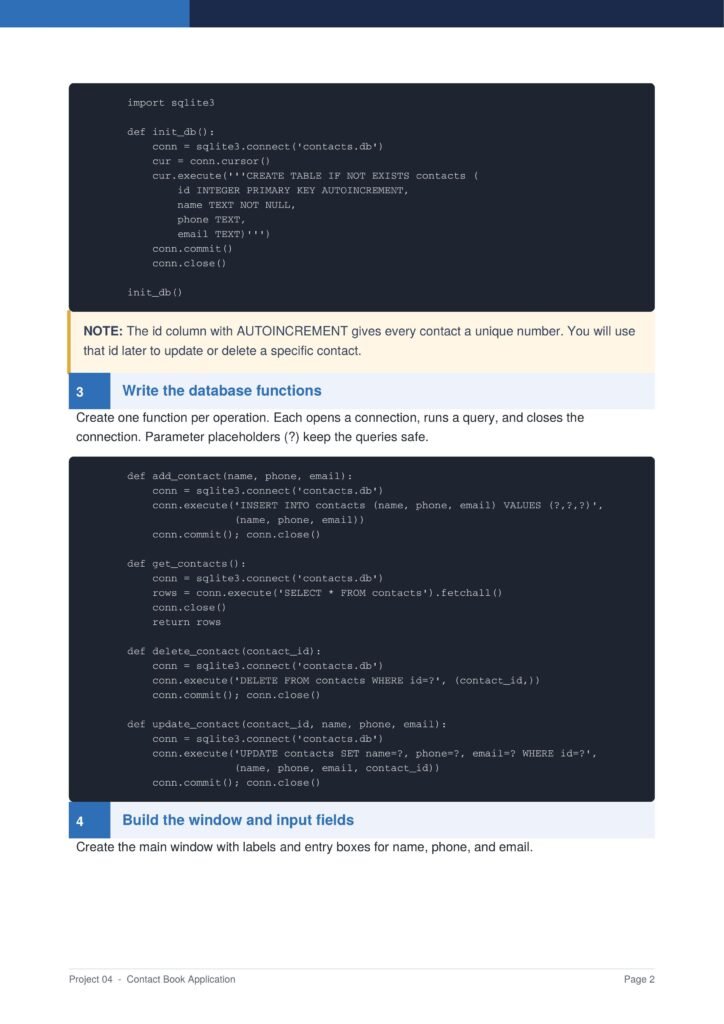
The guide begins by connecting to a SQLite database file and defining a contacts table with columns for an id, name, phone, and email.
b. Writing the Database Functions
You learn to create one function for each operation, covering the four classic database actions known as Create, Read, Update, and Delete, with safe parameter placeholders.
c. Building the Interface
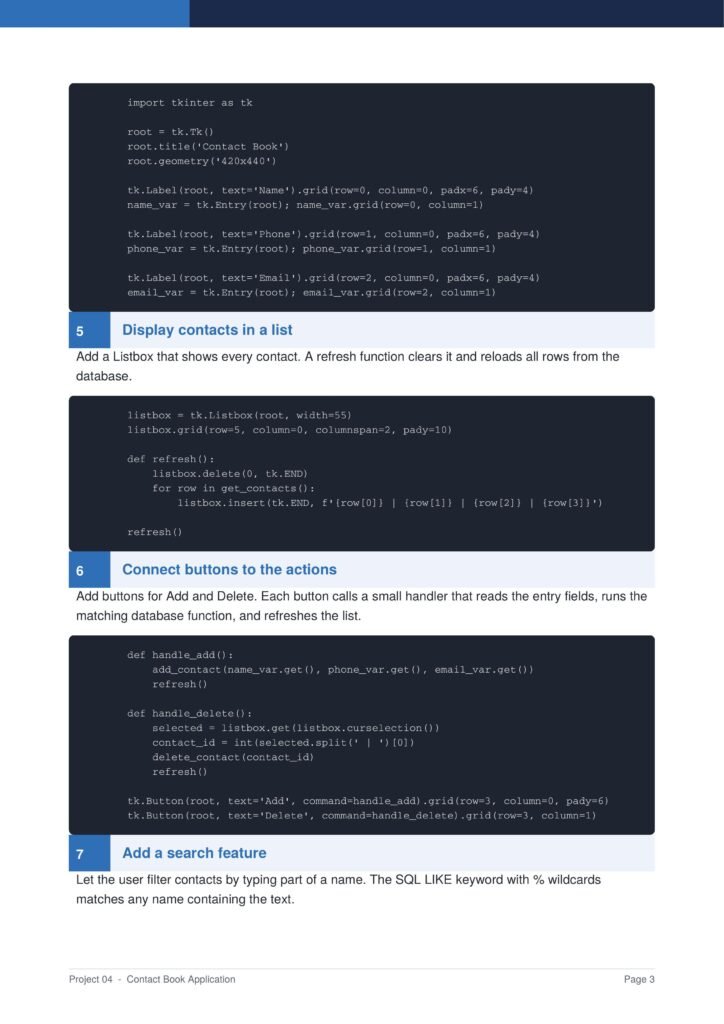
The document shows how to build the main window with labels and entry boxes for the name, phone, and email of each contact.
d. Displaying and Managing Contacts
You add a list that shows every contact and connect buttons to handlers that read the input fields, run the database functions, and refresh the display.
e. Adding a Search Feature
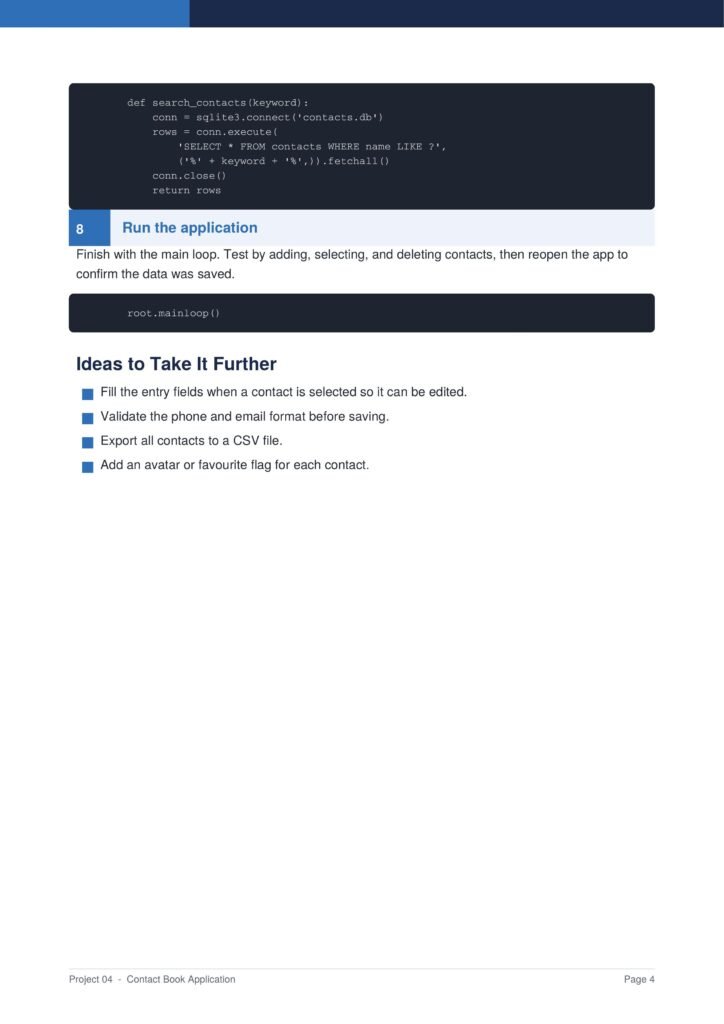
The guide adds a search feature that filters contacts by name using the SQL LIKE keyword, then runs the finished application.
Why This Document
a. Teaches Real Database Skills
This document is valuable because it teaches real database skills with SQLite, showing how applications save information permanently rather than losing it when they close.
b. Combines GUI and Data
The project combines a graphical interface with a working database, giving you experience with the two layers that almost every real application relies on.
c. A Strong Portfolio Project
The finished contact manager is a practical, complete application that makes a strong portfolio piece and a reliable reference for future database projects.
Conclusion
The “Contact Book Application” is a complete and practical project that teaches the foundations of data-driven software. By following the guide, you learn how to design a database, perform Create, Read, Update, and Delete operations, build a graphical interface, and add search functionality. These are core skills that carry directly into larger and more advanced applications. If you want a project that genuinely teaches how software stores and manages data, this clear step-by-step guide is an excellent choice.
Download From The Below Link
To start building your own contact manager today, you can download the Contact Book Application PDF guide and follow every step at your own pace. Happy coding!